Model-as-a-Service (MaaS)
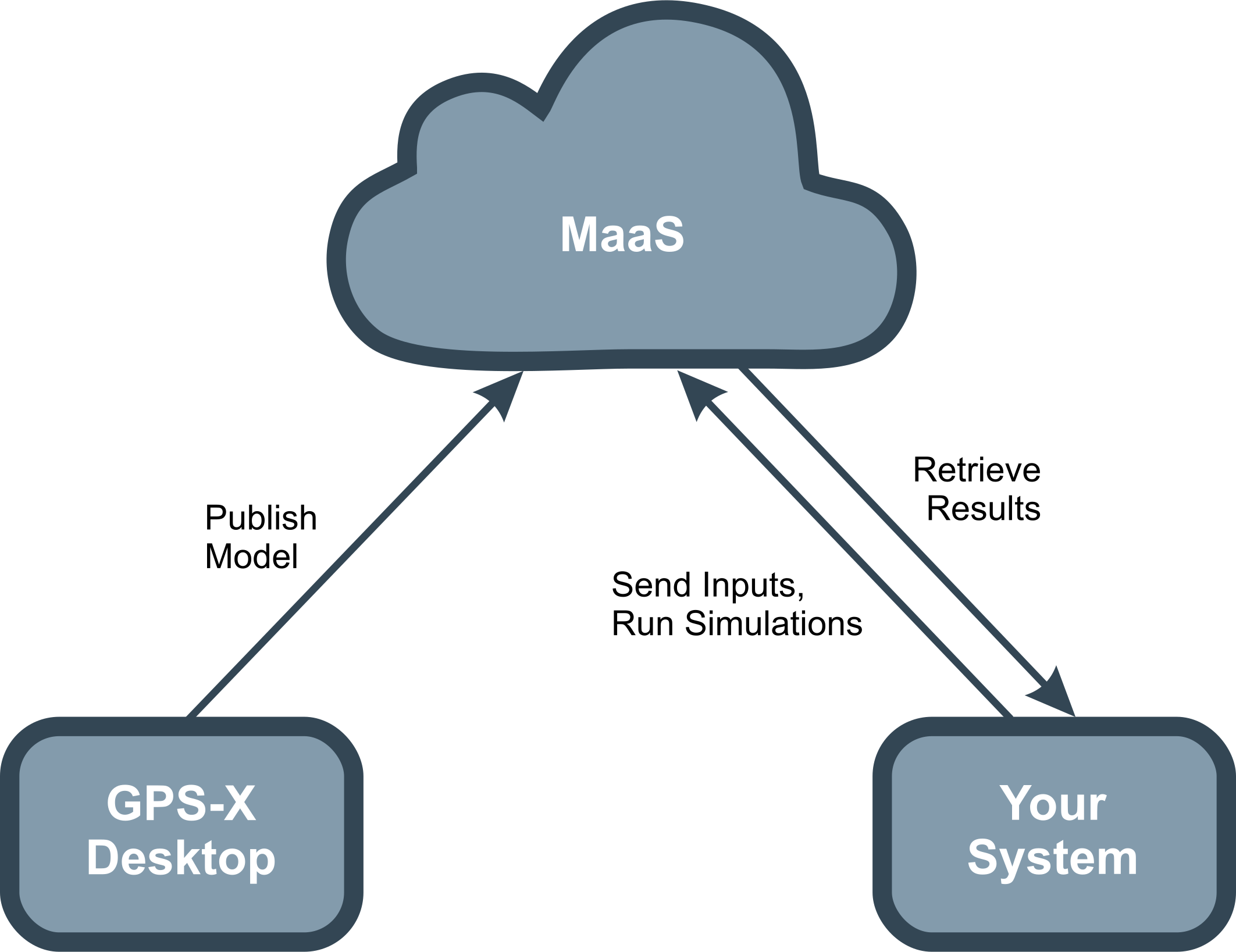
GPS-X MaaS runs your GPS-X mechanistic models in the cloud and makes them available on demand through secure APIs. Instead of installing and managing simulation environments locally, you can publish models to GPS-X MaaS, then send inputs, execute scenarios, and retrieve results programmatically, making it easy to embed GPS-X simulation results into dashboards, analytics pipelines, and broader digital twin solutions.
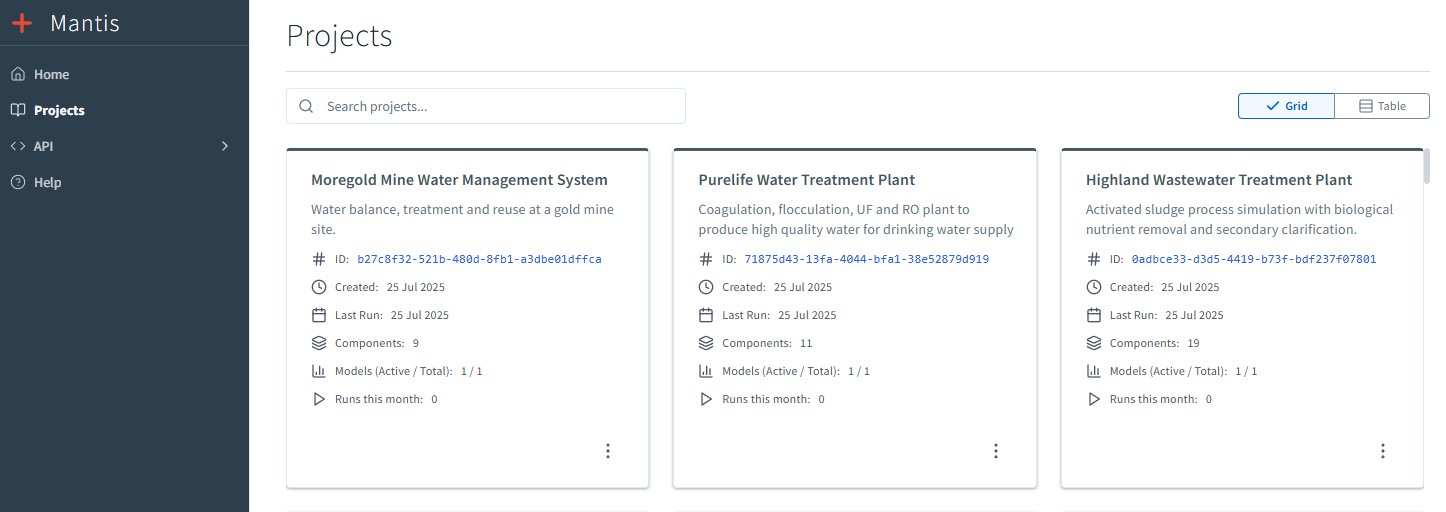
A simple web interface lets you manage published models, track simulation runs, and monitor usage. Cloud hosting reduces infrastructure and maintenance effort while providing a secure environment designed for reliable, scalable execution.
How It Works
-
Publish a GPS-X model from your desktop app to the GPS-X MaaS cloud environment
-
Submit inputs (scenarios, parameters, boundary conditions) via API calls
-
Run simulations on demand in the cloud via API calls
-
Retrieve the results for reporting, analytics, optimization, and automation
Key Benefits & Capabilities
-
Simple Integration
Connect seamlessly into existing platforms and workflows with minimal setup.
-
Automate Your Scenario Testing
Run multiple scenarios programmatically for rapid iteration and decision support.
-
No Infrastructure Overhead
No servers to maintain, no upgrades to manage
-
Faster, More Adaptive Decisions
Near real-time simulation insights enable quicker, more informed responses to changing conditions.
-
Cloud-Hosted Simulation Engine
Runs the full mechanistic simulation engine in Microsoft Azure for high availability, performance, and global access.
-
On-Demand Remote Model Execution
Trigger simulations through service calls – send inputs, run scenarios, and receive outputs quickly to support automated analysis and rapid iteration.
-
Native Integration & APIs
Connect GPS-X Cloud Service to tools such as Databricks, dashboards, enterprise platforms, and automated workflows using secure APIs.
-
ML/AI-Ready Data Output
Produces structured, consistent simulation outputs suitable for machine learning pipelines, advanced analytics, and digital twin development.
-
Enterprise Security & Compliance
Supports secure data use with encryption, access controls, and API management aligned to enterprise security practices (including SOC 2–aligned controls where applicable).